20+ Free Self-Introduction PPT Templates & Team Intro Slides (2026 Edition)

Your first impression matters. Whether you are walking into a high-stakes job interview, pitching to enterprise stakeholders, or introducing your department to a new client, a premium self-introduction PPT sets the tone.
At 24Slides, our team of 200+ in-house presentation designers builds decks for some of the world's largest enterprise companies, successfully delivering over 2 million slides. We’ve applied those exact corporate standards to our top layouts, bringing you 20+ native PowerPoint templates.
Below, you will find our curated list divided strictly into individual professional introductions and team profiles, all completely free to download.
Professional Self-Introduction Templates
Ideal for personal branding, corporate networking, and job interviews.
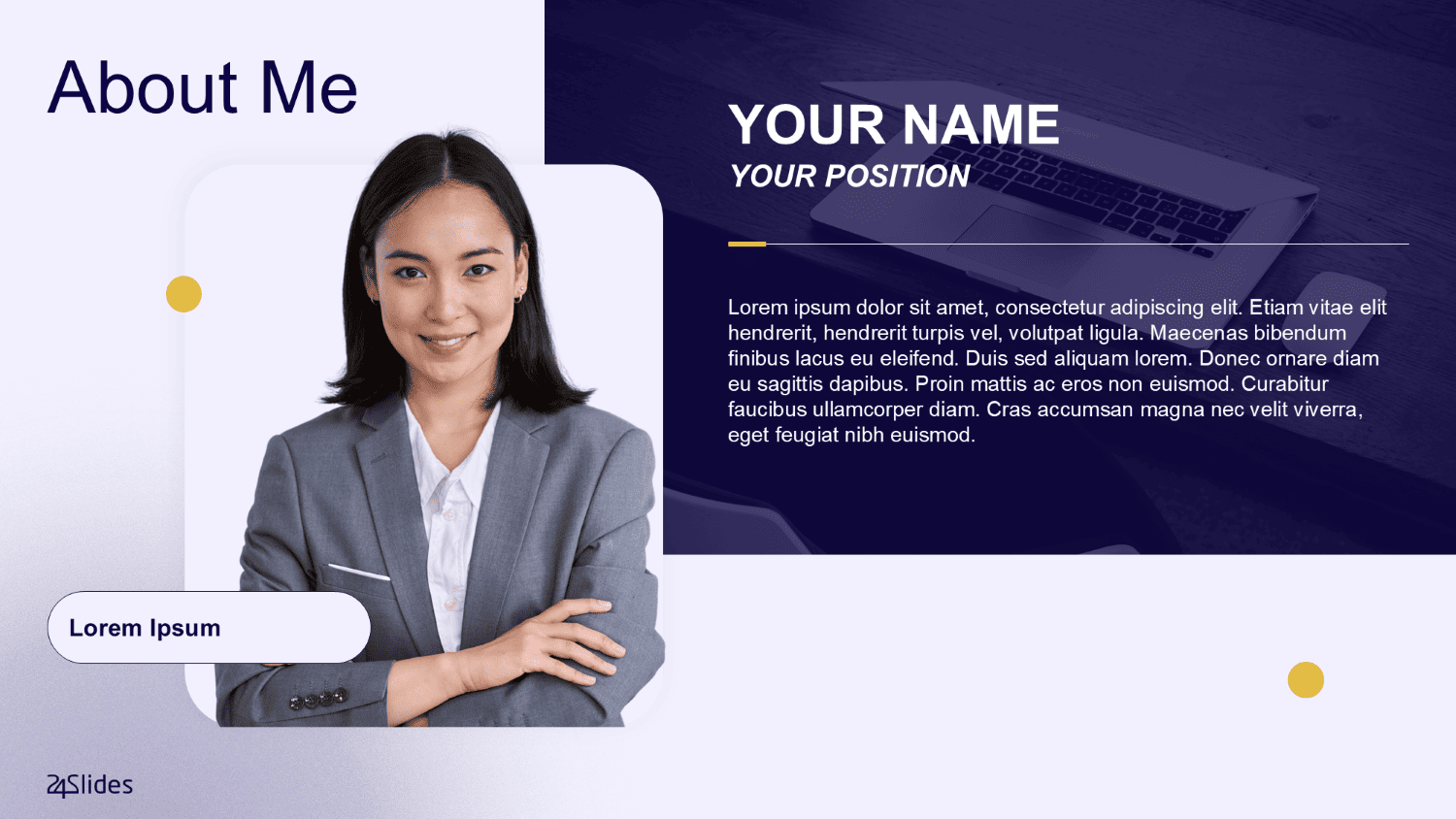
1. Professional About Me PowerPoint Template
Designed for strict corporate environments, this PowerPoint about me template allows you to showcase your experience cleanly. The classic, sophisticated layout conveys immediate executive authority.
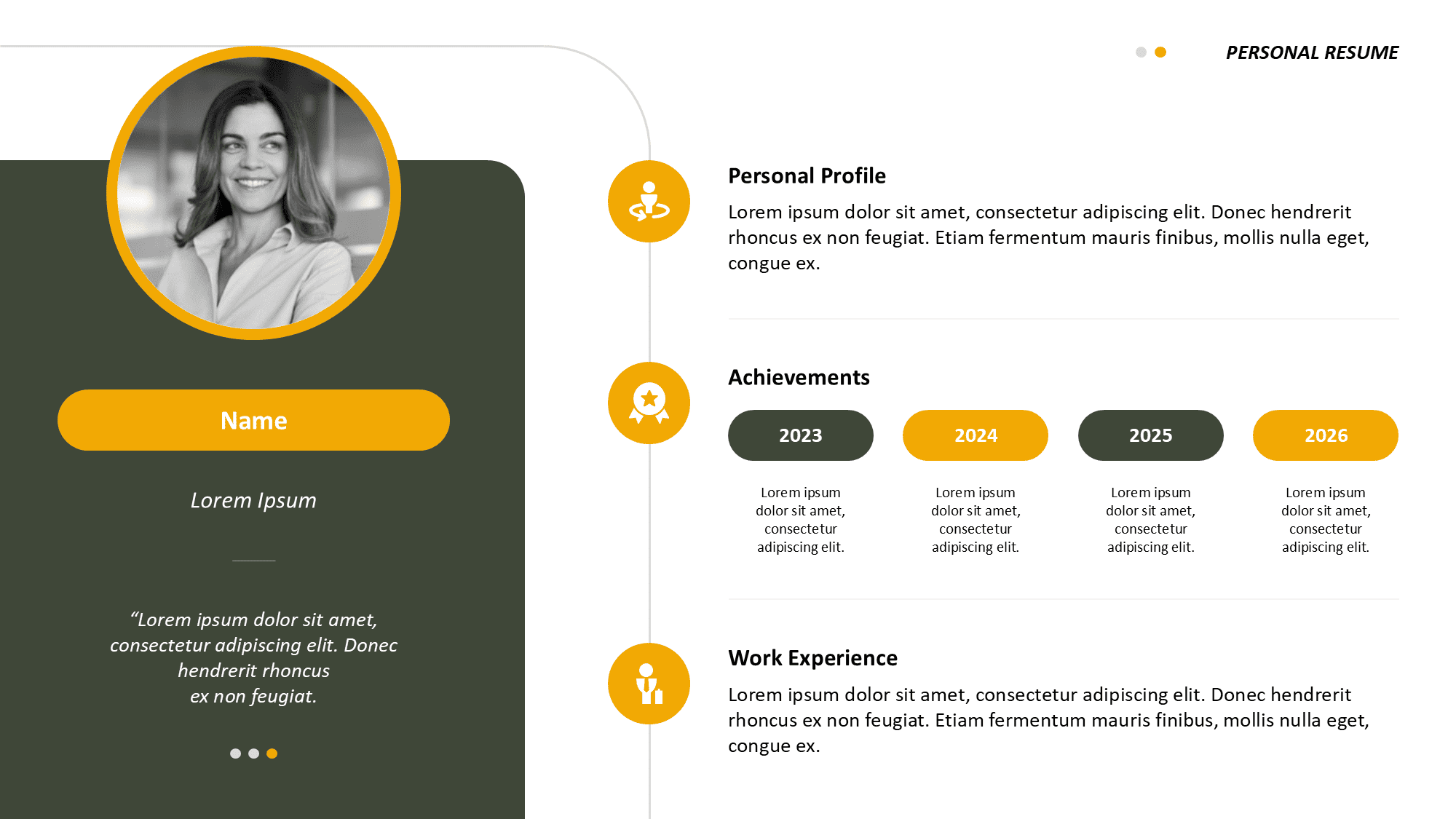
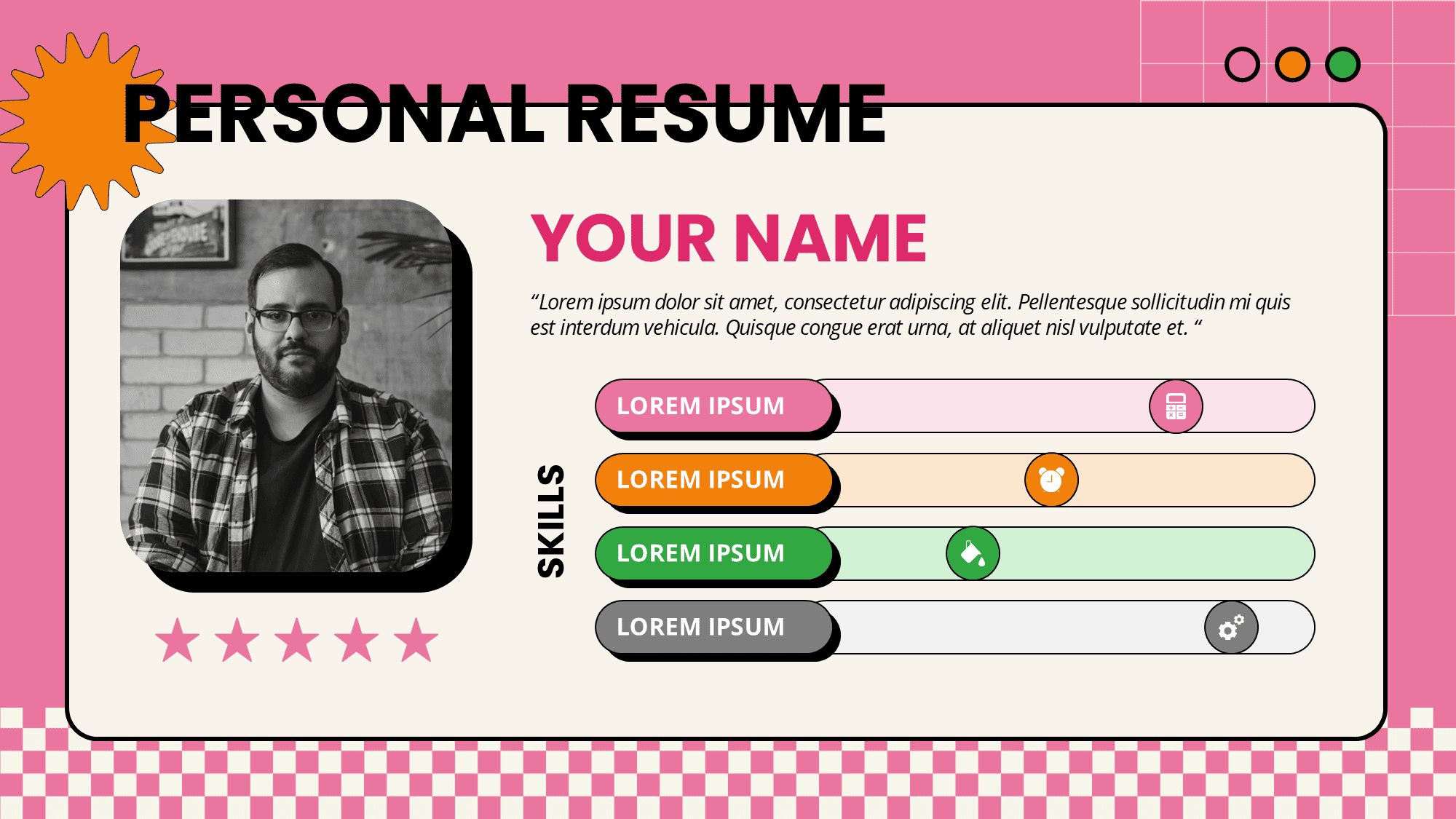
2. Personal Resume PowerPoint Template
Make your skills visually digestible. This self-introduction template uses striking accents to highlight your career trajectory, ensuring hiring managers remember your profile.
3. Modern Vibrant Resume PowerPoint Template
If you're tired of the usual corporate gray and need fresh about me presentation ideas, this is it. This vibrant design lets you show off your personality and creative flair while keeping everything perfectly professional.
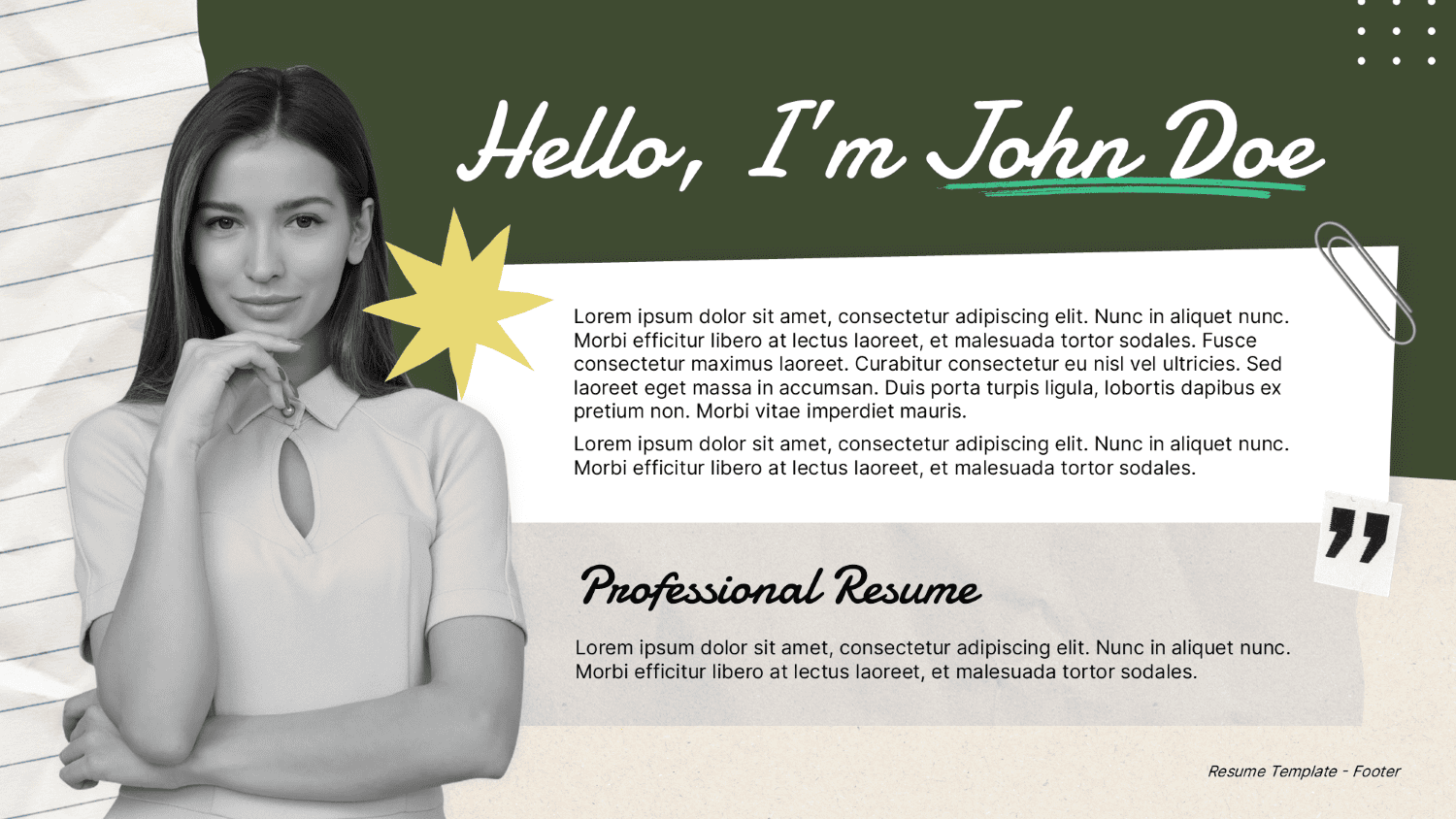
4. Creative Resume PowerPoint Template
Using earthy tones with a modern, layered layout, this self-introduction template PowerPoint keeps the audience's attention locked on your professional milestones and unique background.
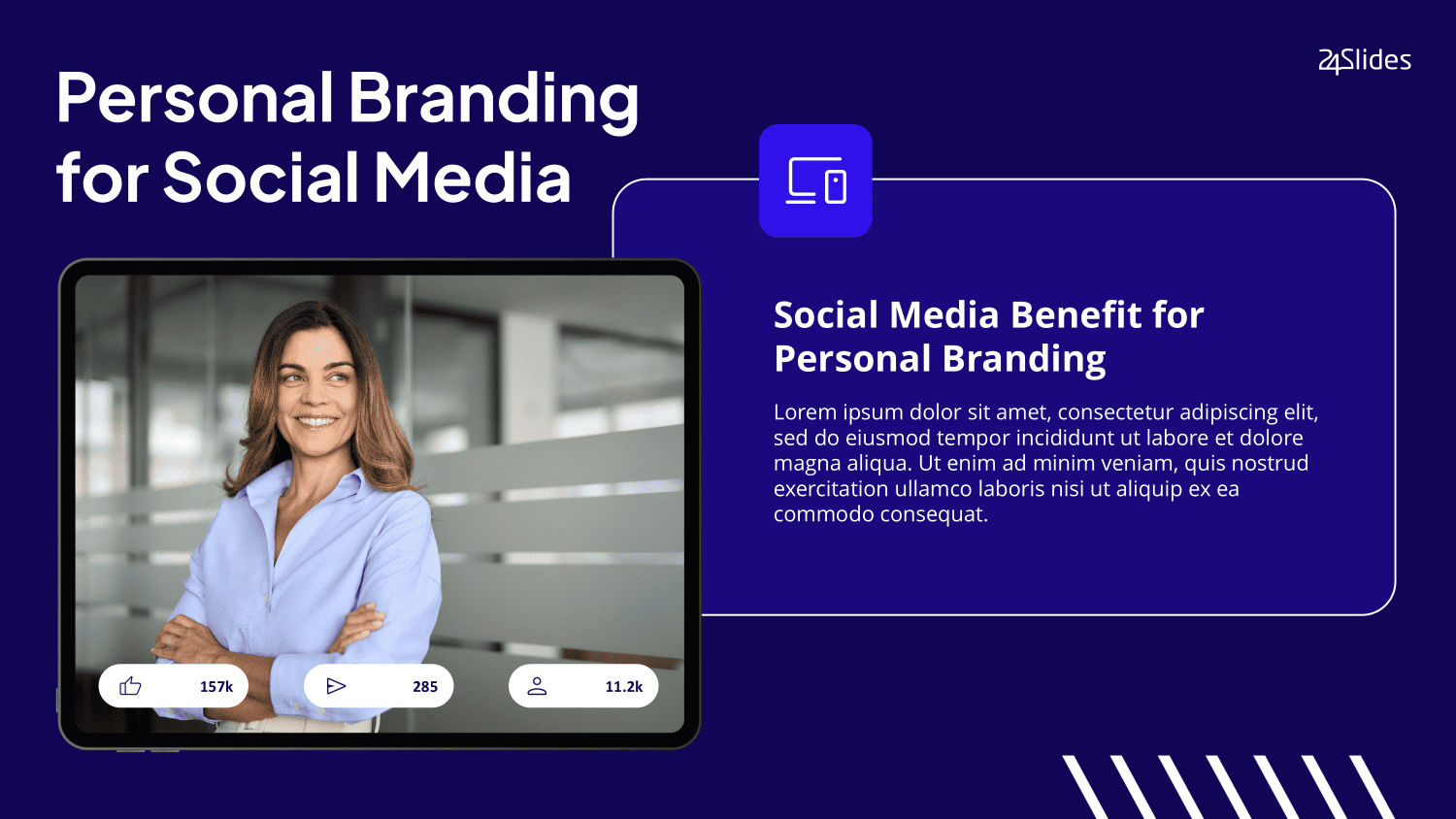
5. Personal Branding PowerPoint Template
Built specifically for independent consultants and freelancers. The authoritative gradients in this about-me PowerPoint template are expertly optimized to visually organize your core achievements.
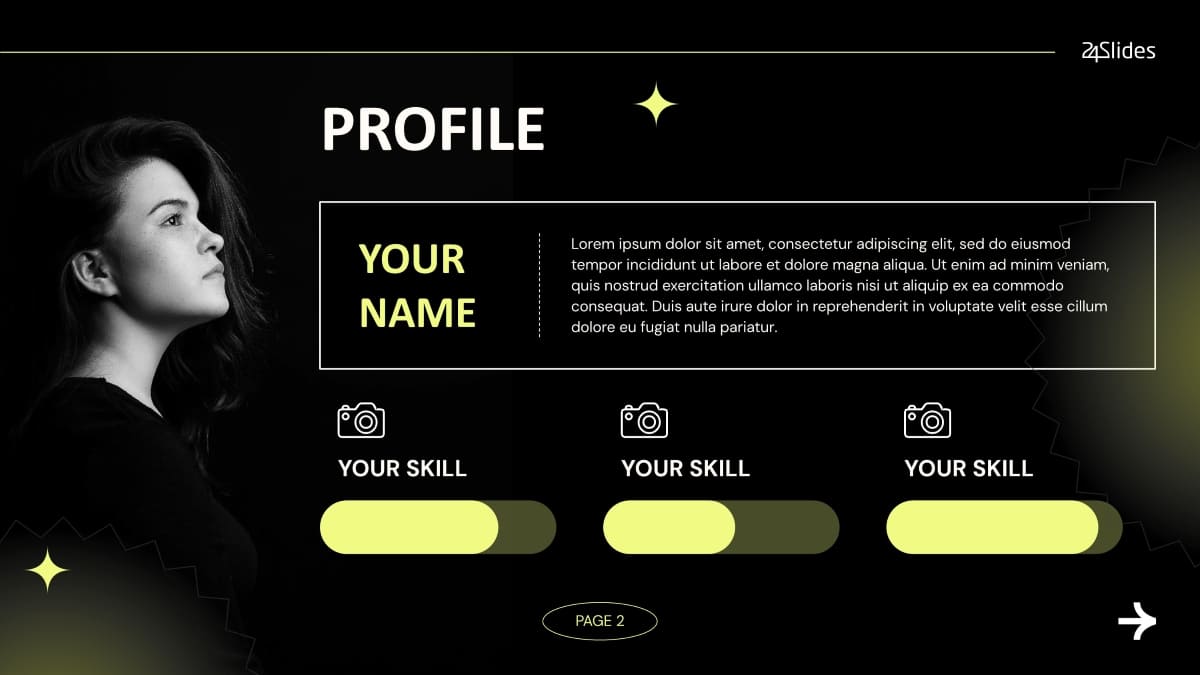
6. Photography Portfolio PowerPoint Template
Photographers need an edgy layout that lets their imagery speak for itself. Featuring custom high-contrast dark mode tones, this PPT introduction slide was built to showcase your visual work with a bold, unforgettable introduction.
7. Executive Career Portfolio PowerPoint Template
Upgraded specifically for directors and senior leaders. Utilizing a sleek, minimalist aesthetic, this self-introduction template projects instant credibility for your leadership highlights.
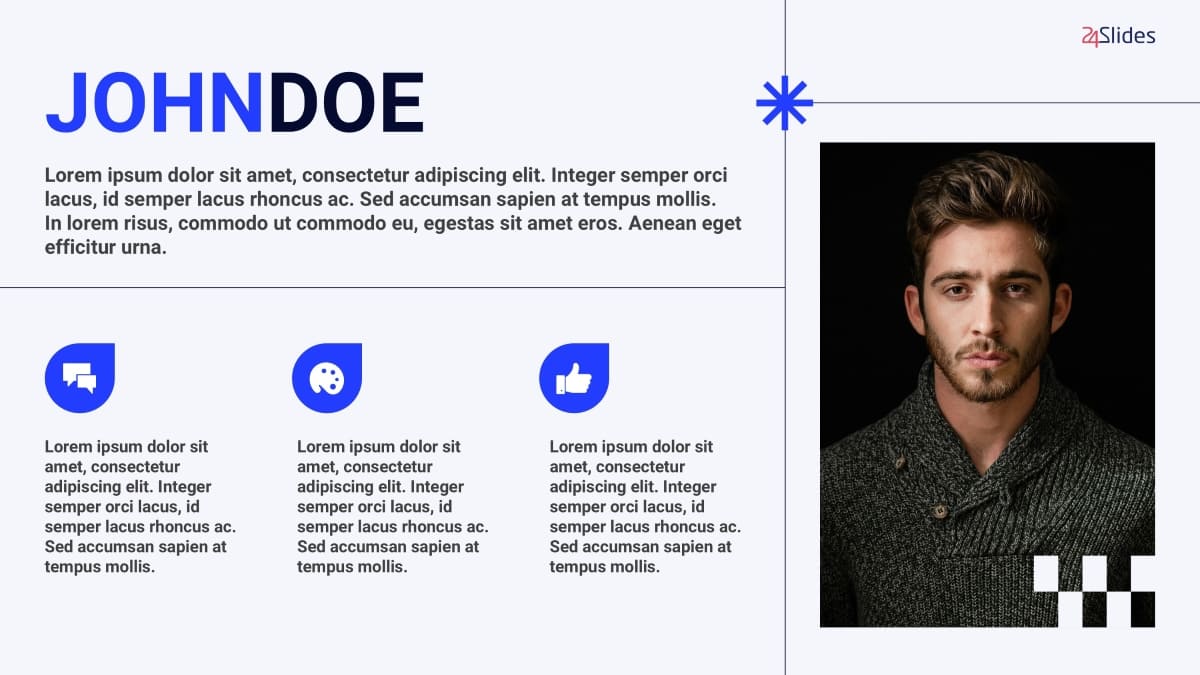
8. One-Page Job Interview Intro PowerPoint Template
Hiring managers absolutely love brevity. If you are looking for a one-page self-introduction PTT, this recruiter-friendly 5-slide pack seamlessly organizes your career timeline, performance metrics, and a contact QR code.
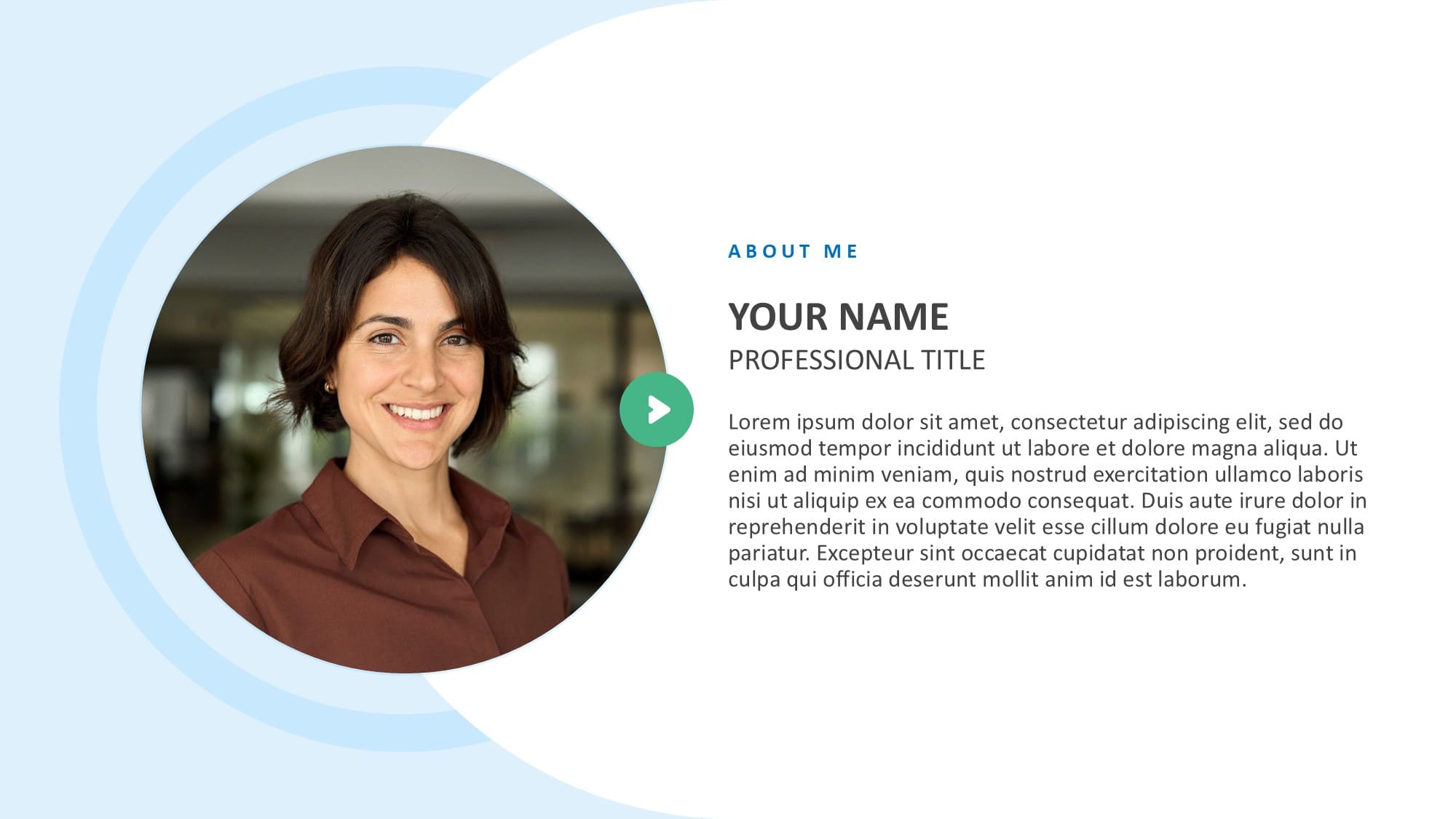
9. Executive Consultant Profile PowerPoint Template
If you are a strategic lead presenting to enterprise stakeholders, these intro slides are your go-to. They use clean expertise cards to clearly highlight your leadership approach and business impact.
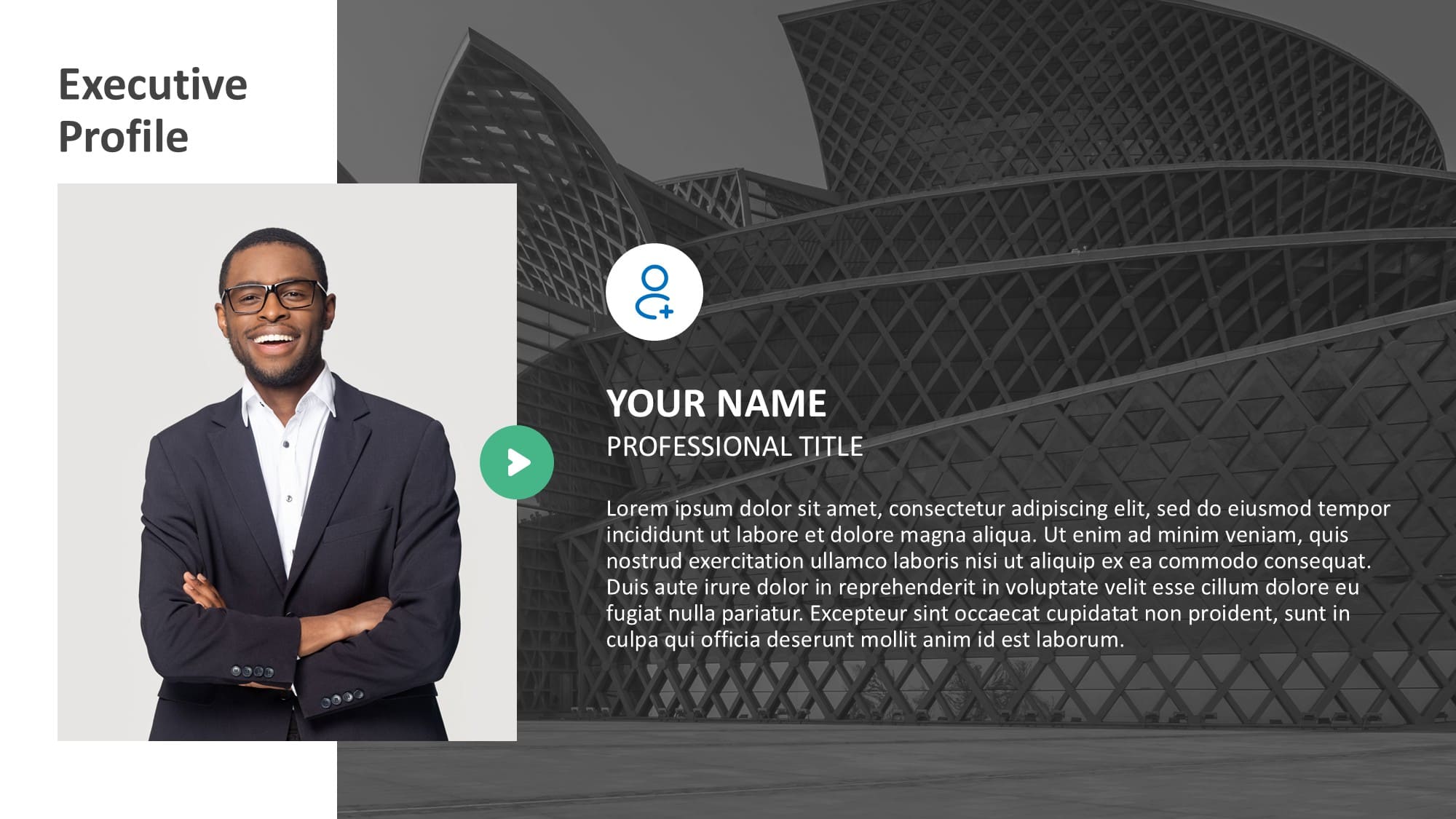
10. Creative Freelancer "About Me" PowerPoint Template
Tailored for independent contractors, this visual-first presentation is all about showing your work. This self-introduction PowerPoint template perfectly balances bold aesthetics with clean grids to seamlessly highlight your portfolio gallery and client logos.
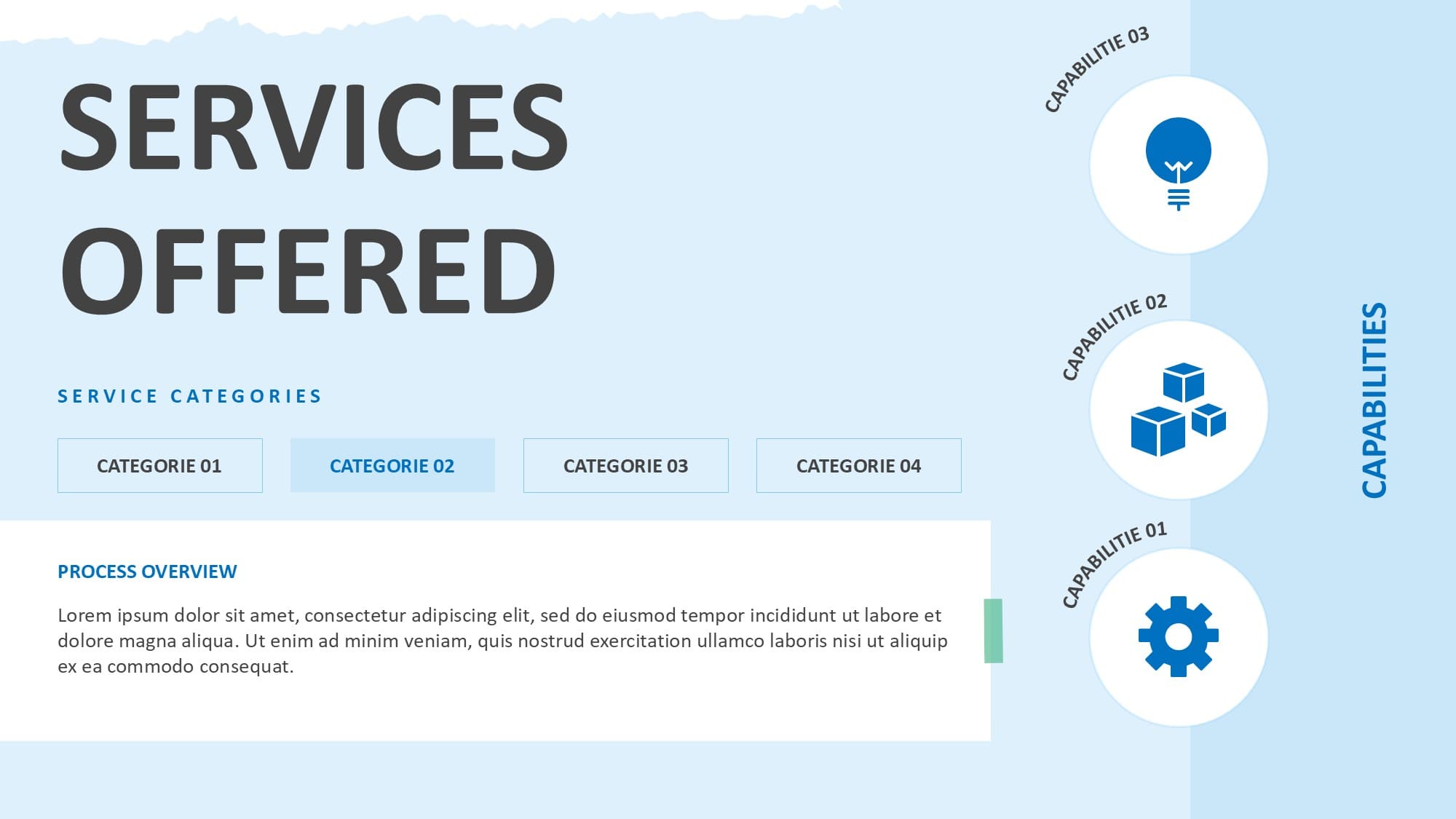
11. Minimalist Elevator Pitch PowerPoint Template
Sometimes, the boldest move is keeping it incredibly simple. Relying heavily on massive typography and whitespace, this ultra-clean 5-slide layout guarantees your audience focuses purely on your core mission statement.
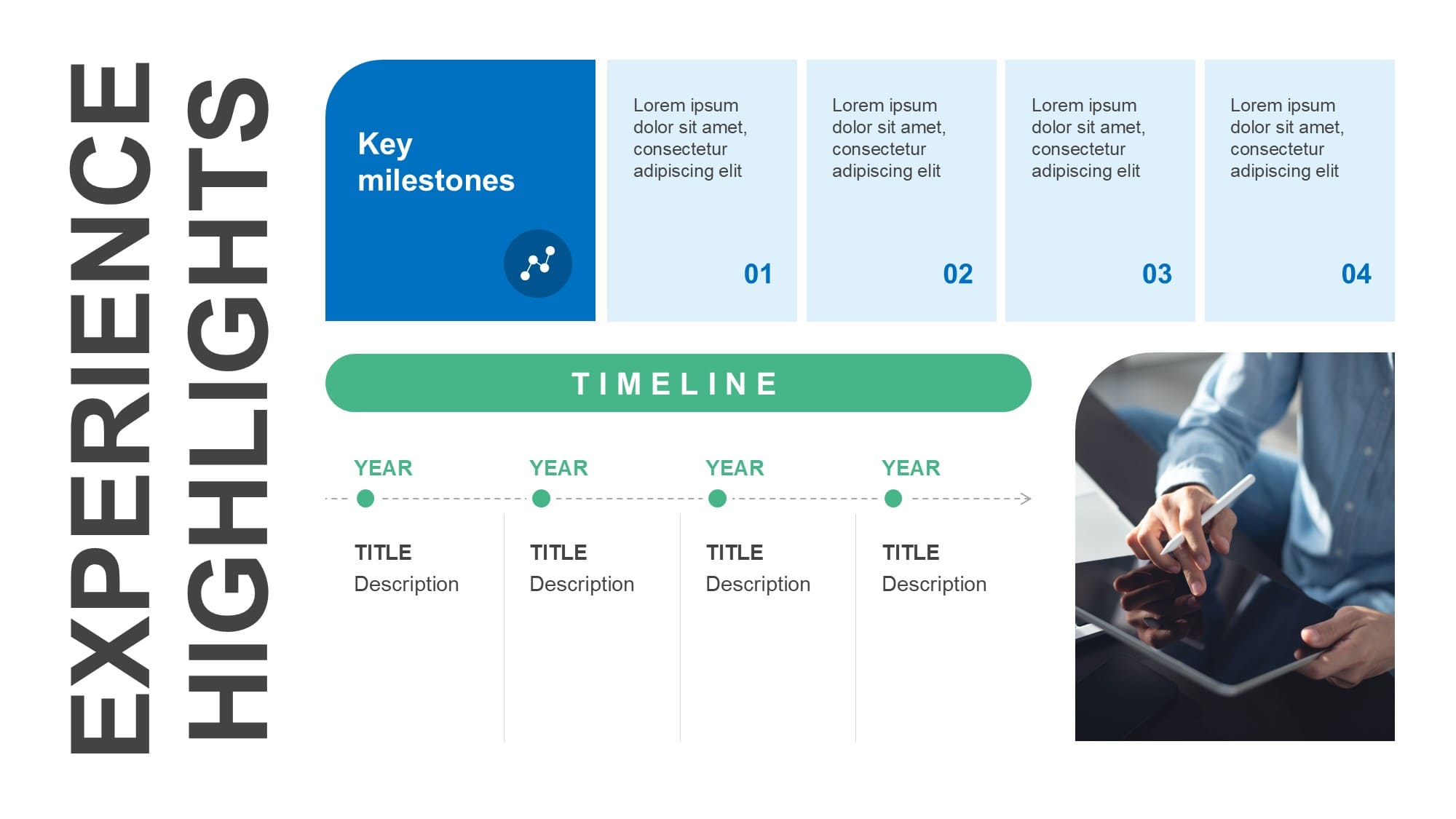
💡 24Slides' Tip: Before you move on to the team layouts, remember that a beautiful slide is only as strong as your script. Learn the science behind a killer presentation introduction and stop losing rooms to digital distraction.
Team & Co-Presenter Slide Templates
Presenting alongside a co-founder, or introducing your project task force? Use these curated layouts.
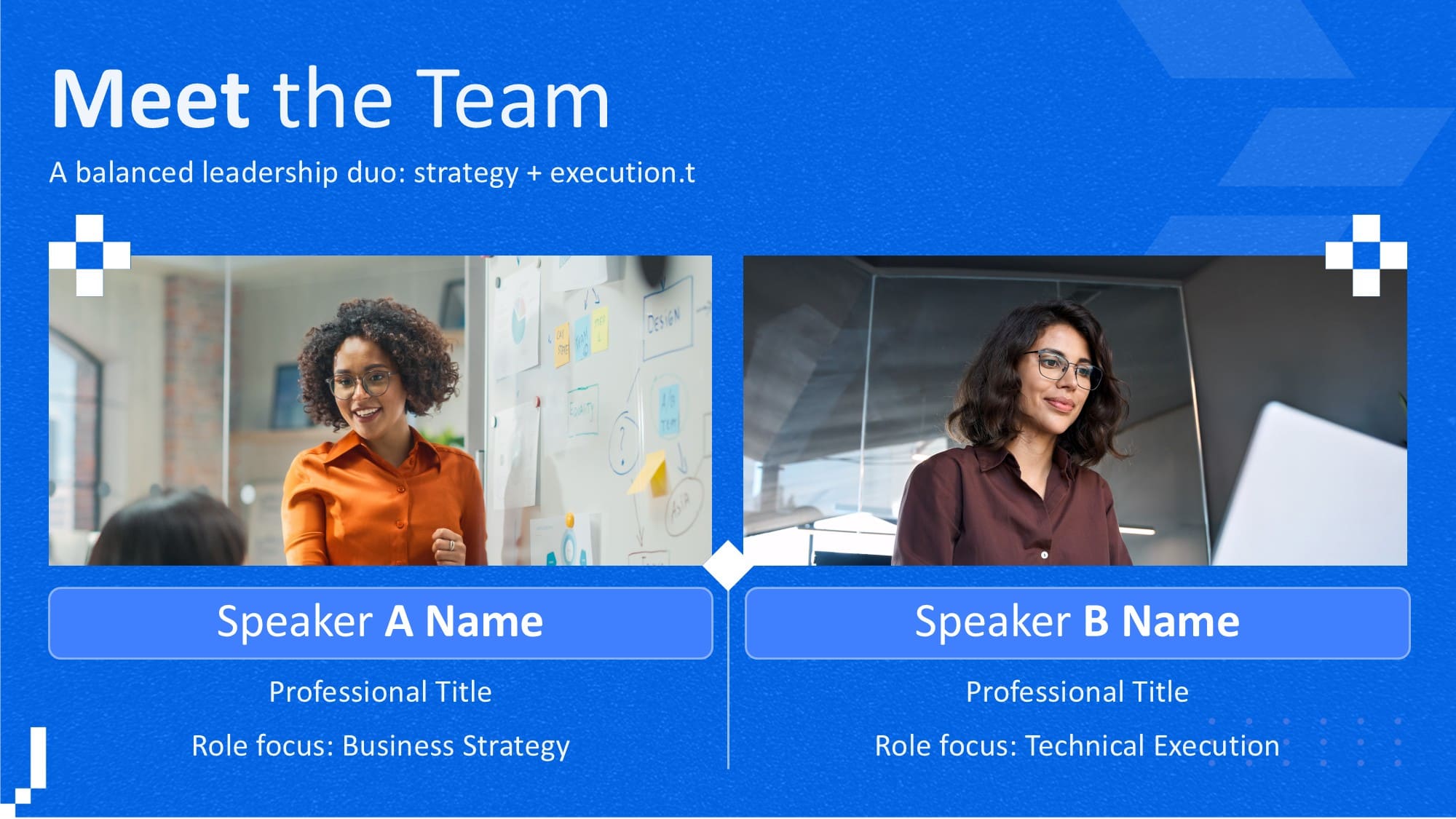
1. Modern Co-Presenter & Two-Bios Slide Template
Designed specifically for partnership presentations and dual pitches. This layout offers a highly structured, clean, free PowerPoint two-bios slide format that gives both speakers equal visual weight, complete with social links and key expertise bullet points.
2. Core Team Member Profile
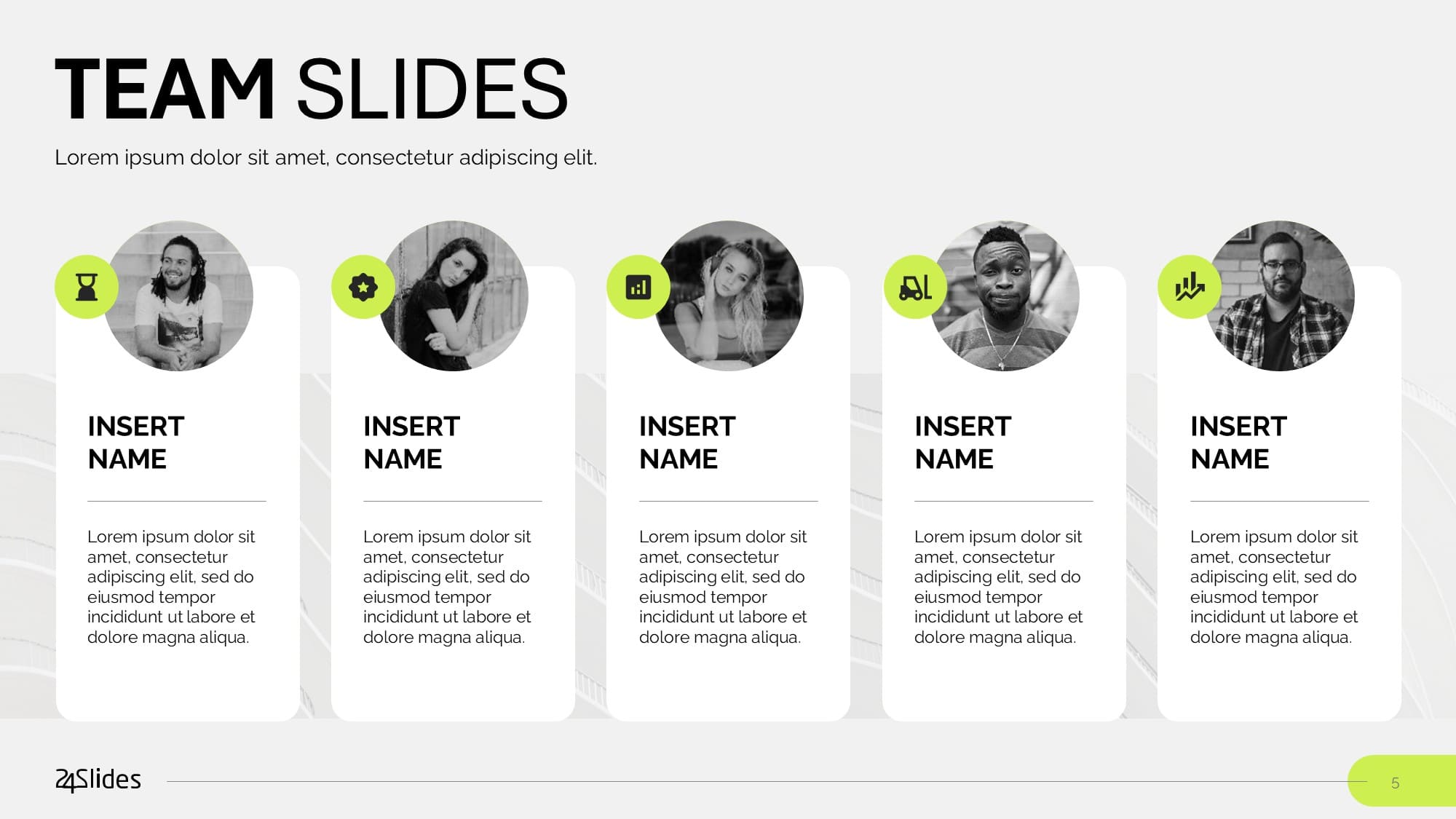
Need to introduce yourself alongside your peers? Navigate to the "Profile" slide in this pack for a beautifully soft, modern team slide template that highlights your specific role within a larger task force.
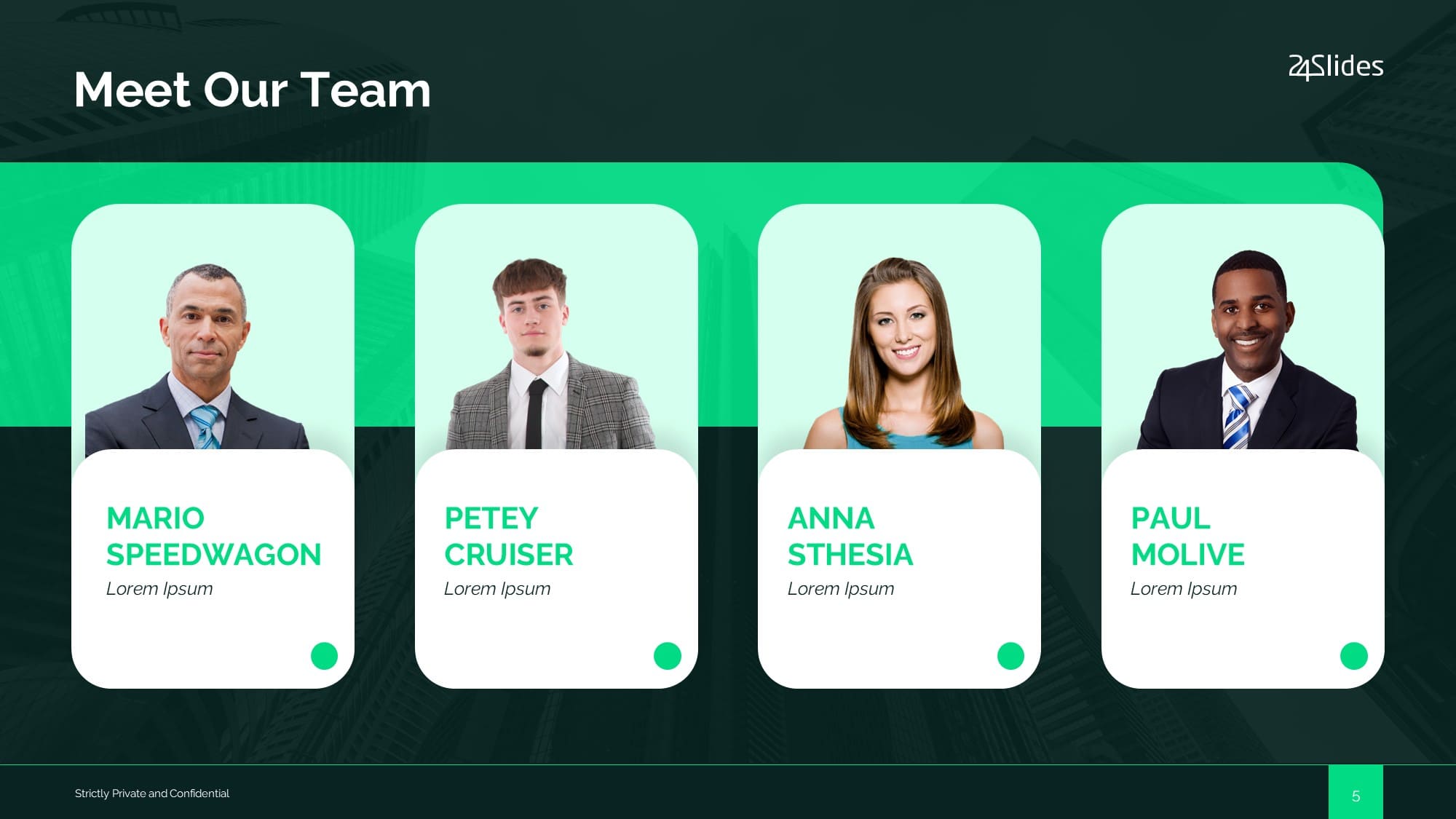
3. Meet The Team "Matrix" Template
Are you introducing a new department? Utilize this split-screen matrix layout to create the ultimate meet-the-team slide template with modern, corporate graphics.
4. Finance Executive & Team Template
We tailored this one specifically for the financial sector. Inside, you'll find a striking, bold introduction slide that lets executives confidently outline their core advisors and financial vision.
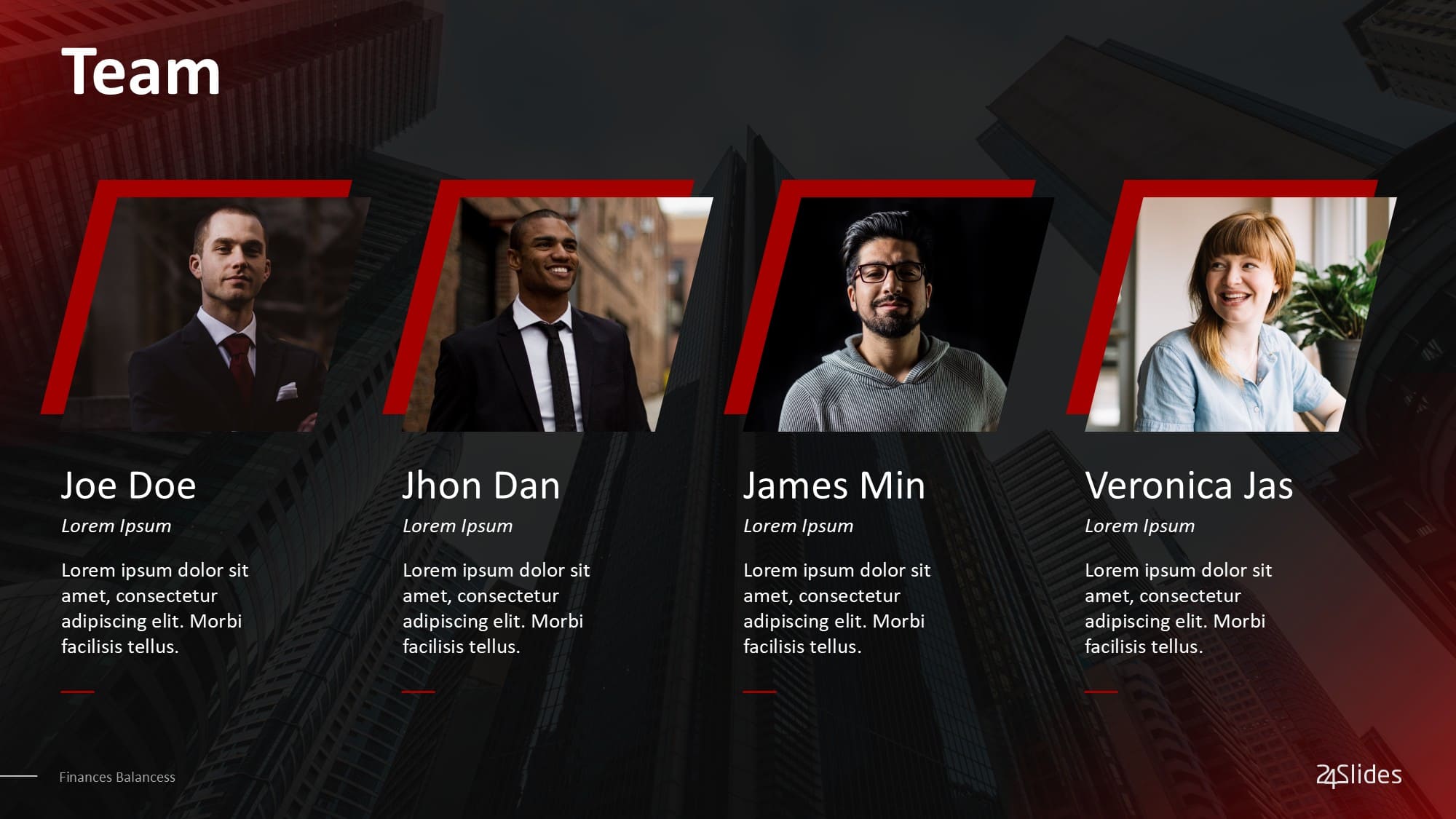
5. Light Corporate Co-Presenter Template
If you need a stunning multi-person layout but are short on time, this free PowerPoint template is the perfect choice. It features high-contrast infographics that look expertly crafted.
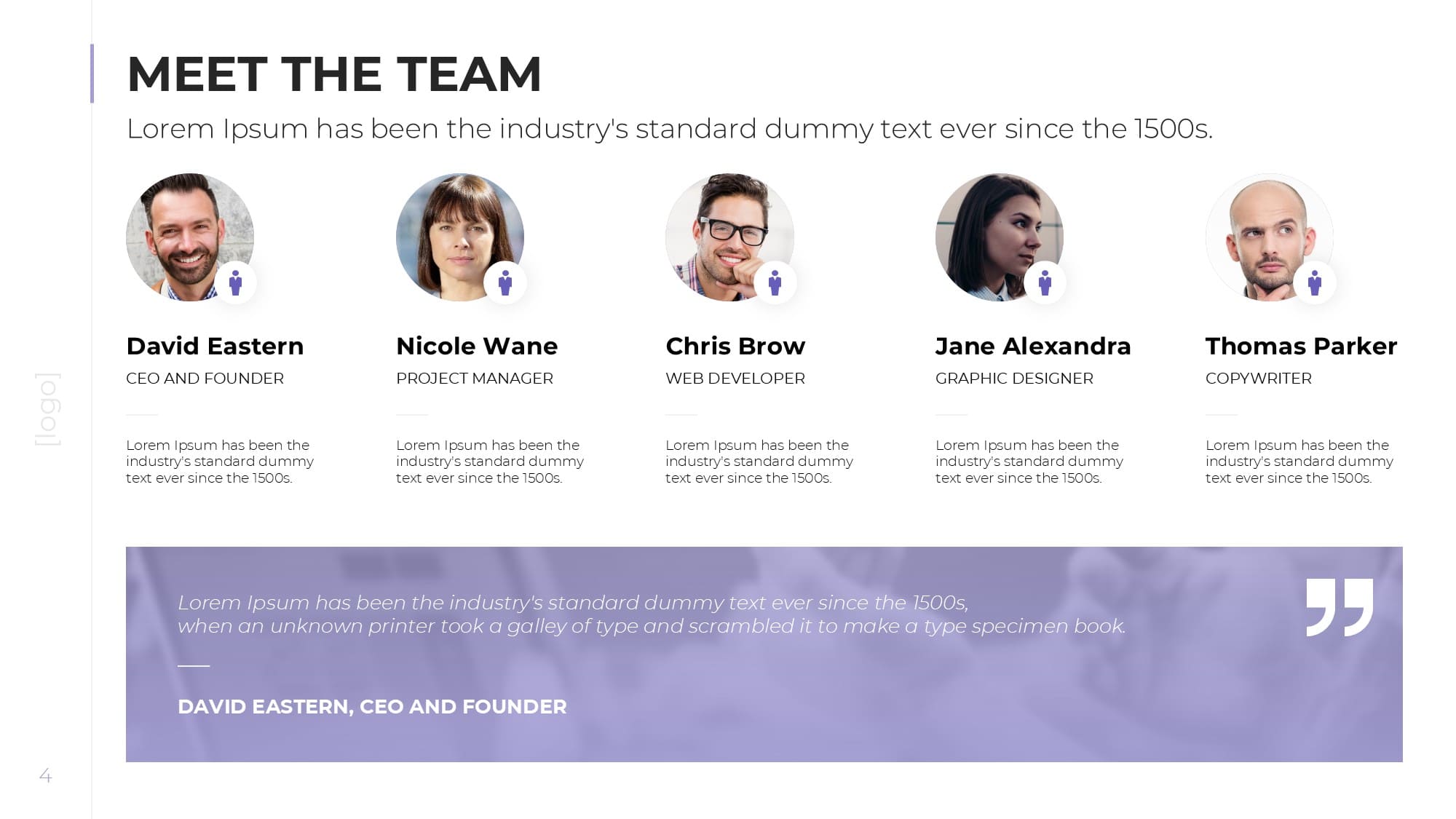
6. Creative Business Team Introduction PPT
Modern agencies need modern layouts. Grab the core slide from this team introduction slide template pack to show off your agency's human capital with custom icons and statistical graphs.
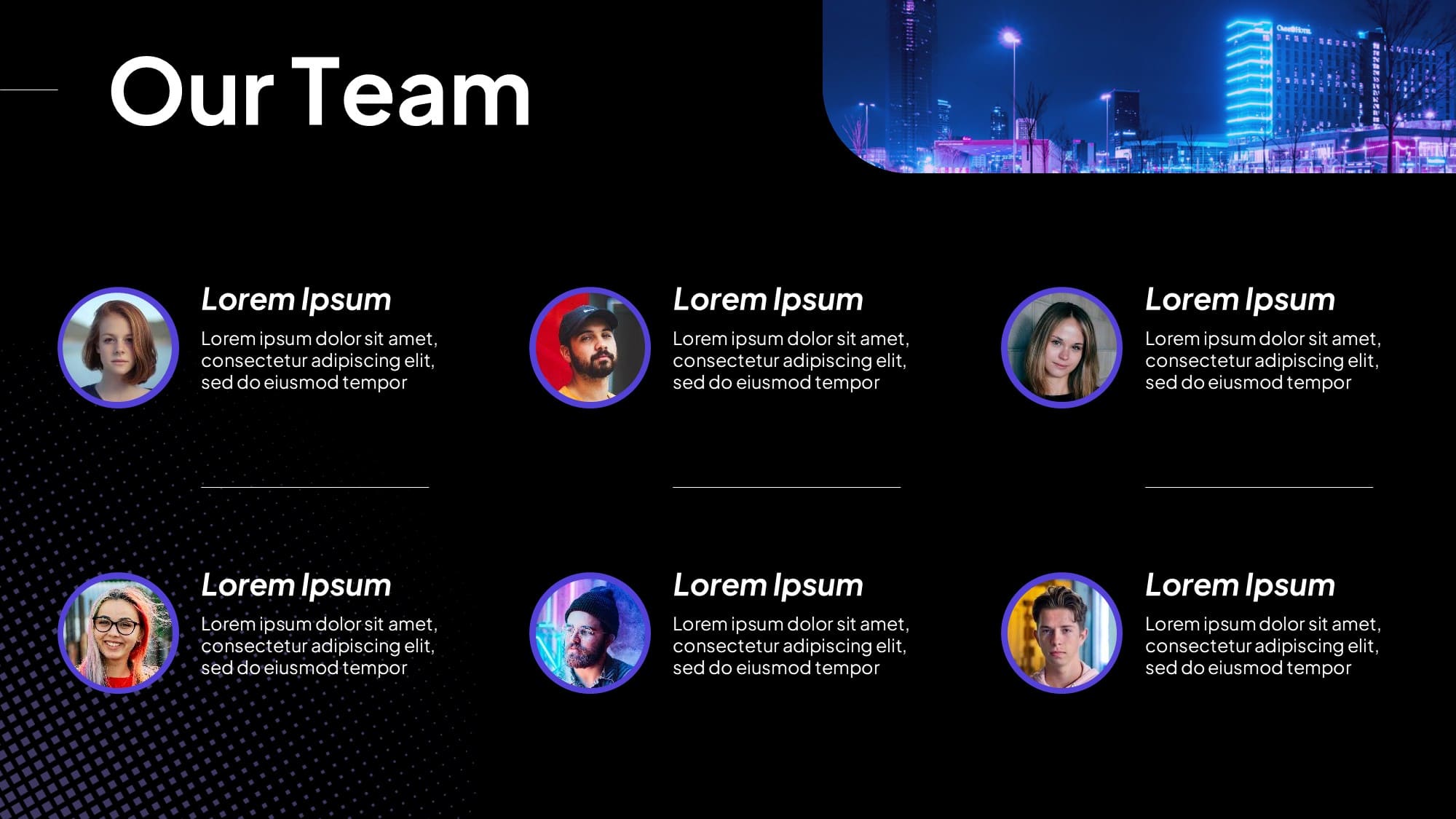
7. Agency Pitchbook Leadership Profile Template
Detail-oriented and highly refined. This layout ensures that when you step up to deliver an agency pitch, your core team introduction matches the high quality of your strategic ideas.
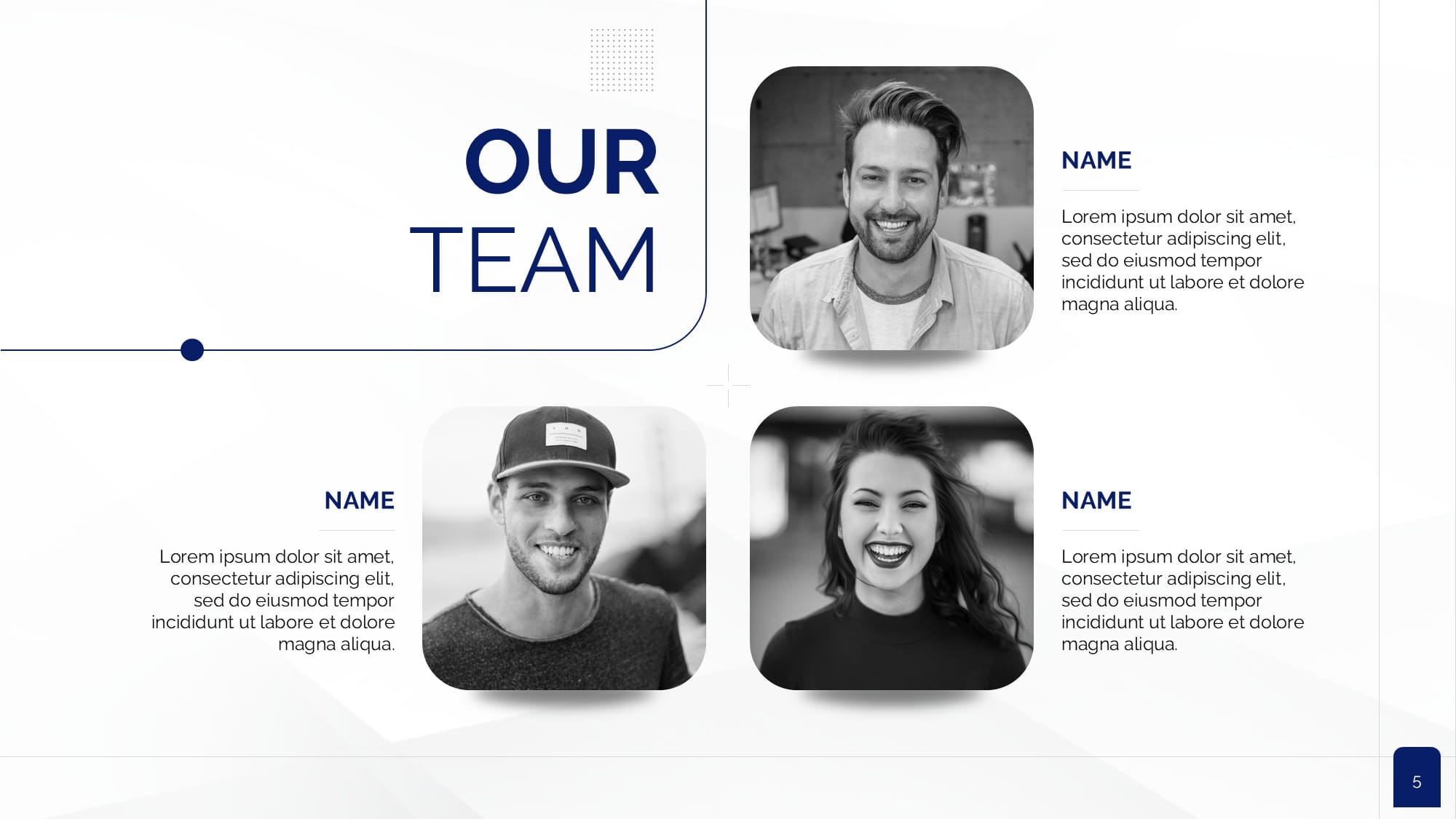
8. Cinematic Team Profile Template
Designed with dramatic, cinematic aesthetics. This layout provides a highly structured, bold format to showcase your core creative crew or department heads side by side with clean frames and dedicated role callouts.
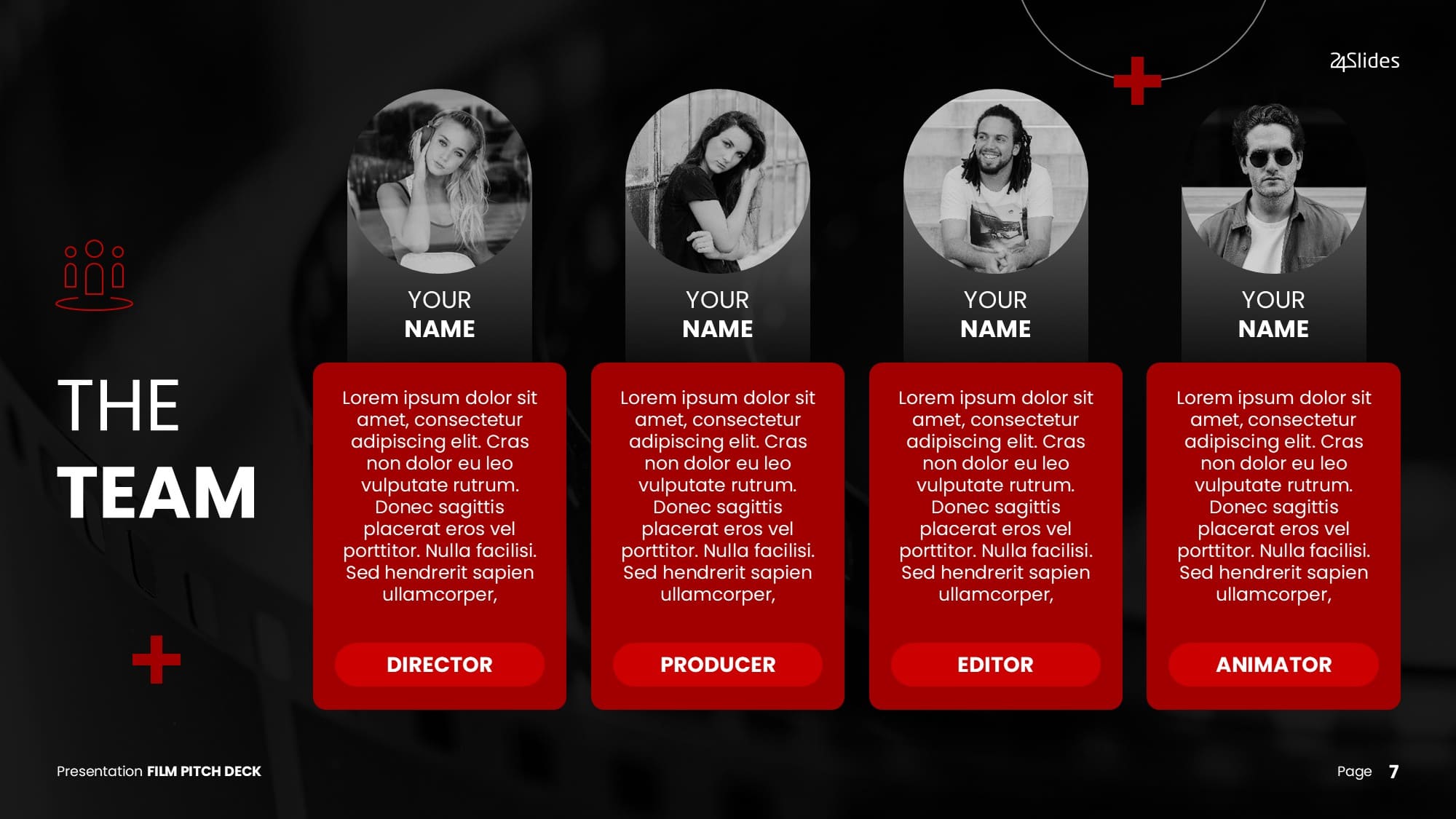
9. Minimalist Black & White Team Template
Sometimes, removing color makes the biggest impact. Think of this as your sleek, monochrome canvas. By stripping away distractions, this highly professional design uses striking black-and-white contrast to put the focus entirely on your team's expertise and structure.

10. Leadership & Direct Report Profile Template
Enterprise companies thrive on clarity. Use the core slide in this pack to visually demonstrate where you sit within the organizational structure using clean, rounded graphics.
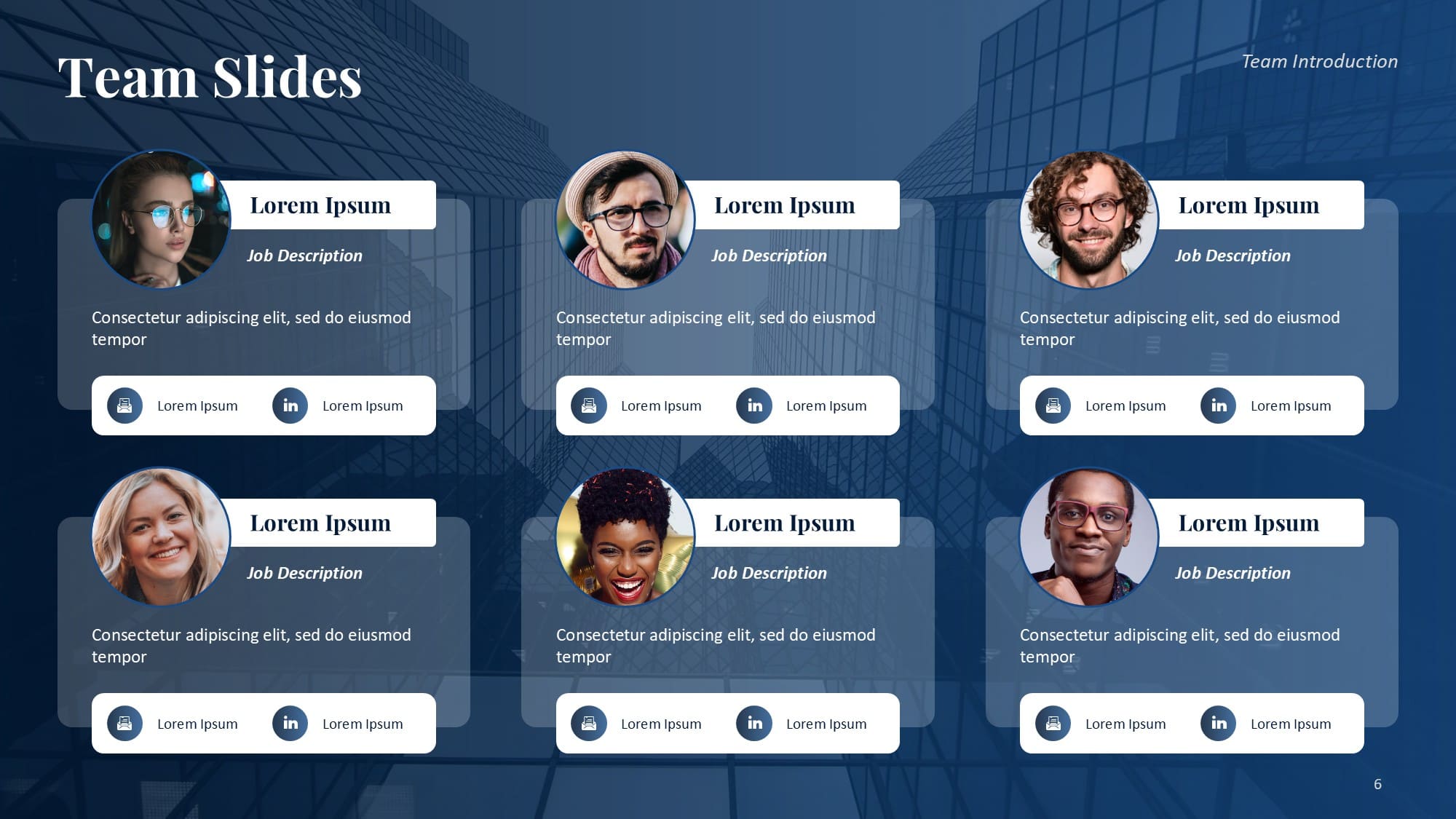
11. Corporate Pharma Intro Team Template
Tailored for the healthcare and pharmaceutical sectors. This crisp team introduction PowerPoint template features a professional blue layout designed to introduce medical executives, researchers, or project leads alongside their credentials.
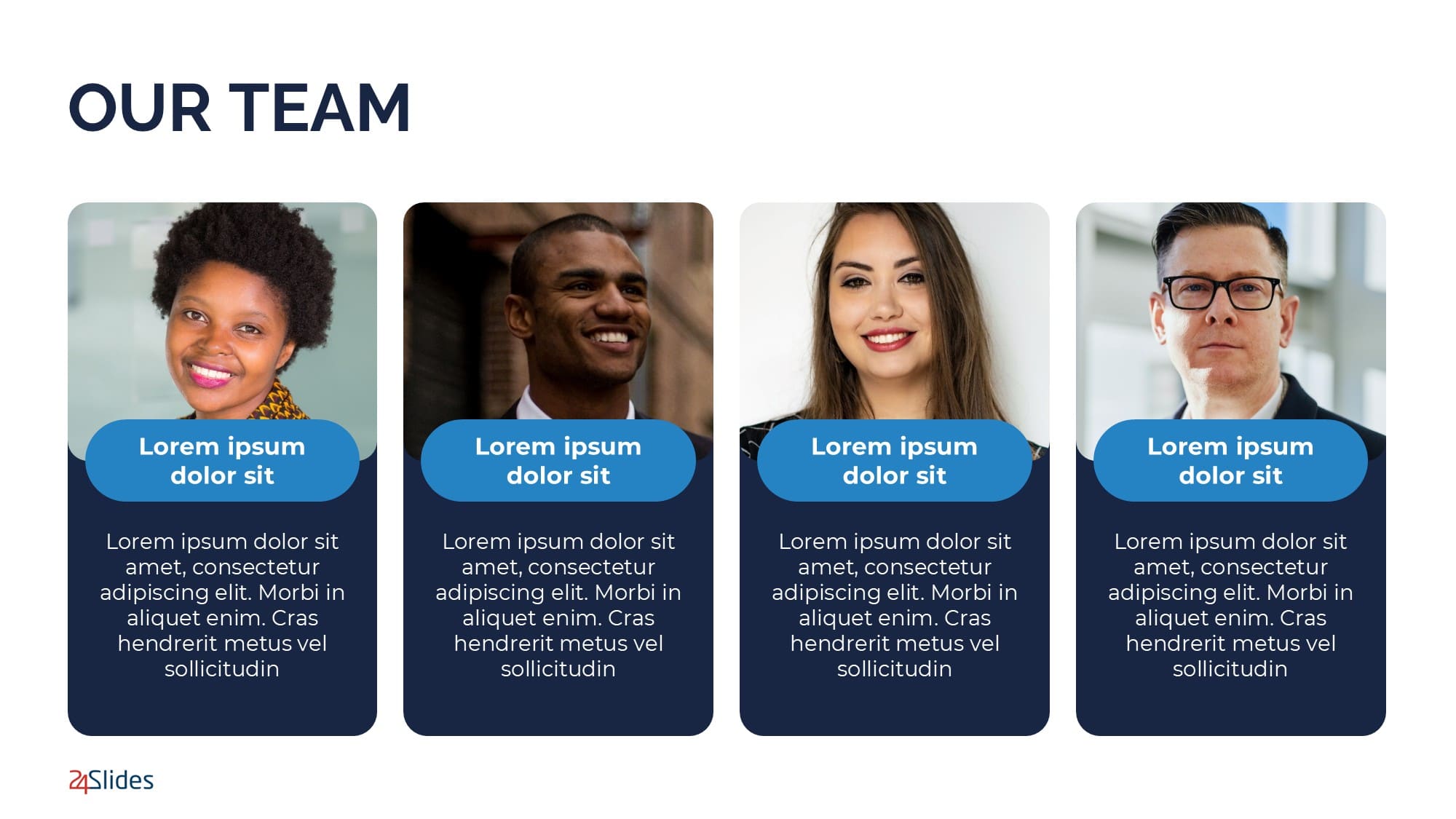
"Perfected by People": When a Free Template Isn't Enough
Downloading a free template is an excellent first step. But what if you are walking into a make-or-break job interview, or a critical enterprise pitch? Choosing a layout is only half the battle; how you deliver it is what separates amateurs from experts.
Making a truly top-tier PowerPoint presentation takes hours of meticulous effort. Why risk your most important first impression or waste your evening fighting with slide formatting?
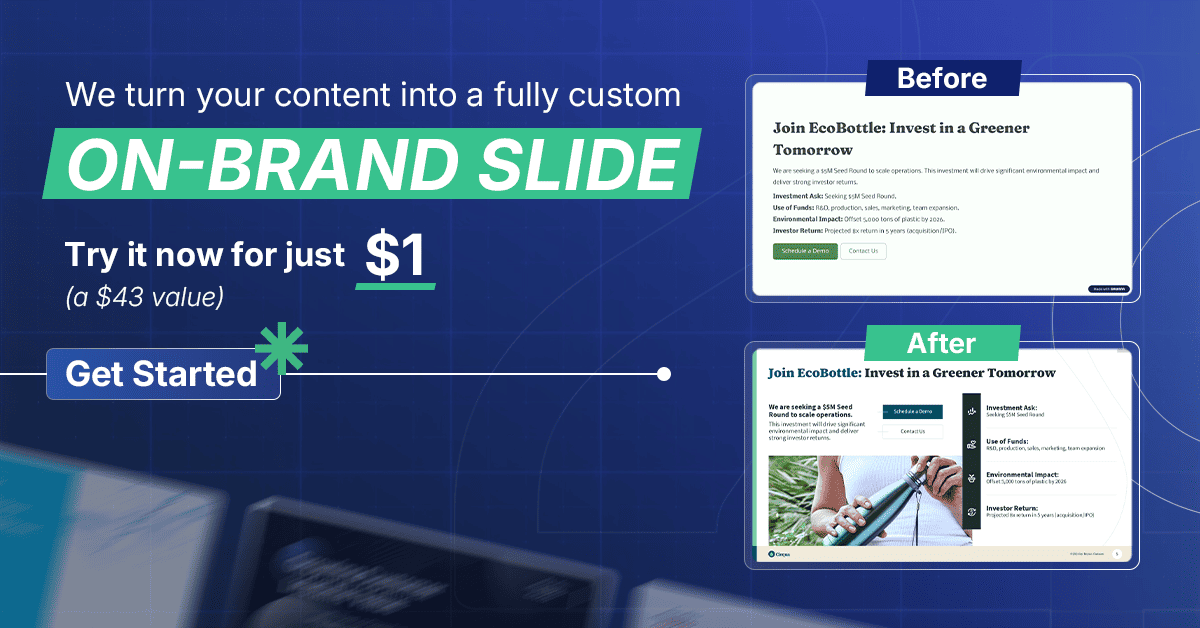
24Slides offers a pro-level design service that elevates your deck to consultant-level quality, ensuring your slides perfectly match your expertise. Browse our gallery of 24Slides custom presentations to see the difference a professional touch makes.
The best part? You can test our elite design team for just $1. Let our experts show you the true potential of your presentation today.
Frequently Asked Questions (FAQ)
What makes a good self-introduction slide?
The most effective layouts lead with a clear value proposition rather than just a name. By keeping text minimal and relying on visual milestones, like timelines or skill matrices, you ensure your professional background is digestible and memorable for any audience.
To make a strong impact, clearly state your name and title, provide a brief timeline of your most relevant experience, and focus on the exact value you bring to your specific audience. Avoid long paragraphs of text and rely on clean, visual layouts. Want to see exactly what not to do? Check out our breakdown of 5 Bad PowerPoint Examples to Avoid.
How do you introduce a team in a PowerPoint presentation?
The best approach depends on your group size. For an entire department, use a matrix-style team introduction slide template that organizes everyone cleanly on one page without looking cluttered. If you are only presenting with a partner, a balanced free PowerPoint two-bios slide ensures both speakers receive equal visual hierarchy before the pitch begins.
How do I introduce myself in a job interview presentation?
Hiring managers want to see your potential ROI immediately. Use a clean, one-page self-introduction layout that focuses strictly on your career timeline, measurable performance metrics, and the specific core skills that relate directly to the job description.
What are some creative about me presentation ideas?
To stand out from standard corporate layouts, ditch the heavy bullet points. Try a visual-first approach. You could use a "scrapbook" layout, vibrant pastel colors, or simply switch your PowerPoint introduction slide to a high-contrast dark mode. Including a grid of client logos is also a great way to visually map out your professional branding.
Are these templates native to PowerPoint?
Yes. Every self and team introduction PowerPoint template on this list is a 100% native .pptx file. This ensures your fonts and formatting remain perfectly intact when you present offline or share files securely with stakeholders.
Your introduction sets the tone, but the rest of your deck delivers the value. Keep perfecting your pitch with these expert resources:
- 20+ Free PowerPoint and Google Slides Templates for Data Presentations
- 10+ Consulting Presentation Templates to Impress Clients and Win Proposals
- Why is Brand Identity Important in Presentations? Experts answered!
- The Cost of PowerPoint Presentations: Discover the hidden expenses you might overlook!
- 5 Bad PowerPoint Examples to Avoid (And How to Redesign Them)